Friends of Millbank


The Princess Mary’s Hospital (TPMH)

by permission, Gora Pathak, artist
Click the buttons below
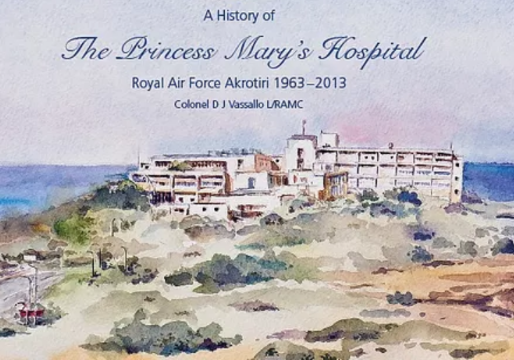
A History of The Princess Mary’s Hospital, RAF Akrotiri - 1963 -2013
(PDF Download)
PDF Download

A History of The Princess Mary’s Hospital, RAF Akrotiri - 1963 -2013
(Print-on-Demand)
Advertisement Download
A History of The Princess Mary’s Hospital, RAF Akrotiri - 1963 -2013
(iBook for Mac - 1.04Gb download) - Zip folder download
iBook Download
How to install the TPMH iBook
1. Plug in your iPad or iPhone into your Mac or PC via USB to device cable.
2. Open iTunes on your Mac or PC.
3. Drag a copy of the file ‘The Princess Mary’s Hospital iBook.itmsp’ from the DVD named Book / PDFs / FURTHER READING into the Books section of the iTunes library (the file will then be copied, all 1.04Gb of data).
4. Select your iPad or iPhone from the Devices drop down and navigate to > Books > select The Princess Mary’s Hospital iBook by clicking the tick box.
5. Press Sync (bottom left hand corner of the application).
6. Then open TPMH iBook in the iBook Application (App) on your iPad or iPhone.
7. Select The Princess Mary’s Hospital iBook and enjoy.
8. For further reading of related documents browse the PDFs folder on the DVD.
Affiliated with the British Society for the History of Medicine.
Subscribing members of Friends of Millbank can register with the BSHM as members of an affiliated society

Search our Site
When your search results show, scroll down past the ‘Ads’ to find results from our website
Search our Site
Join the Association
If you would like to watch previous talks and attend new ones for free, do consider joining our association.
Only £20 per annum (valid to end December 2023).
Students enrol free.